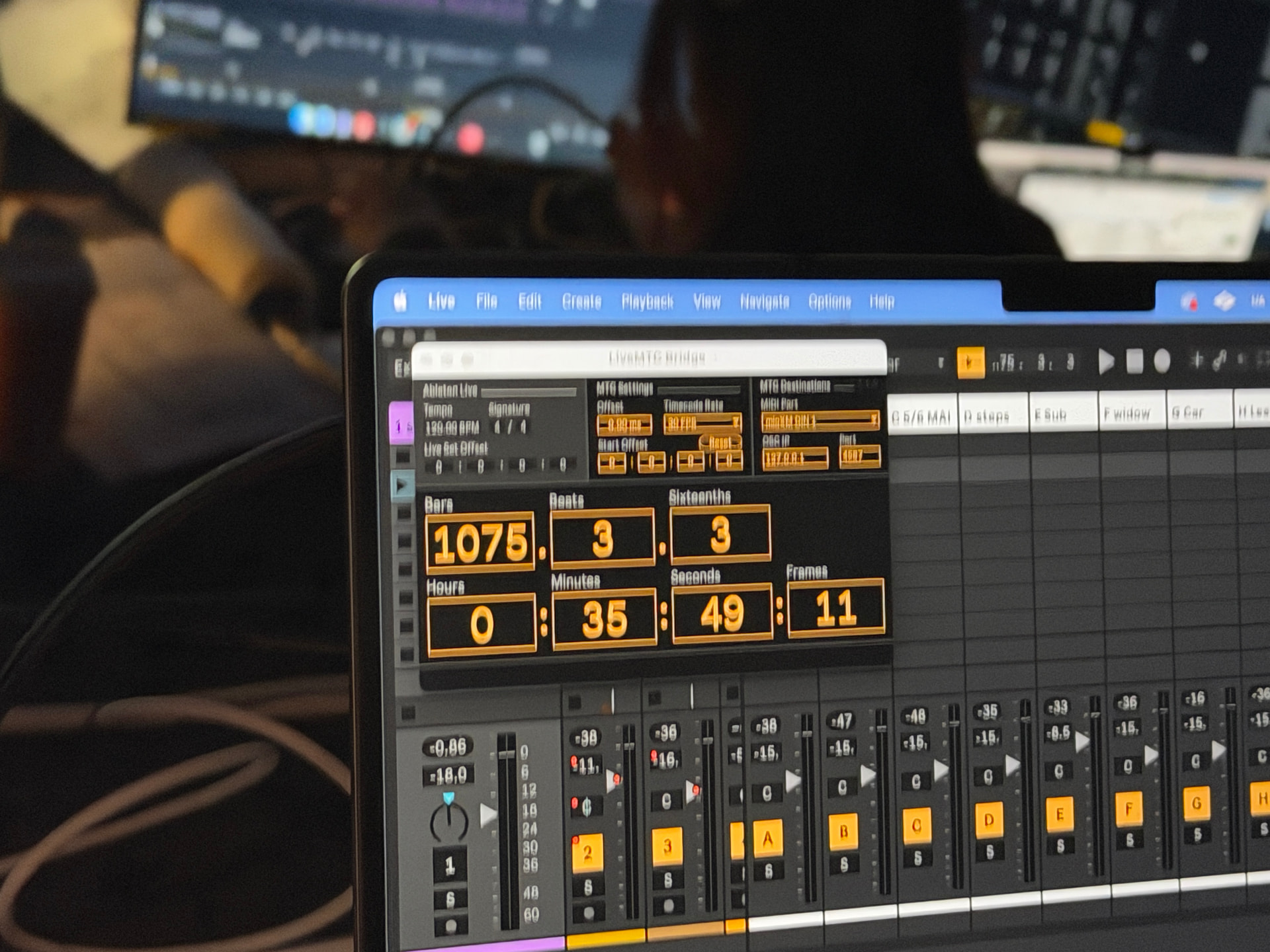
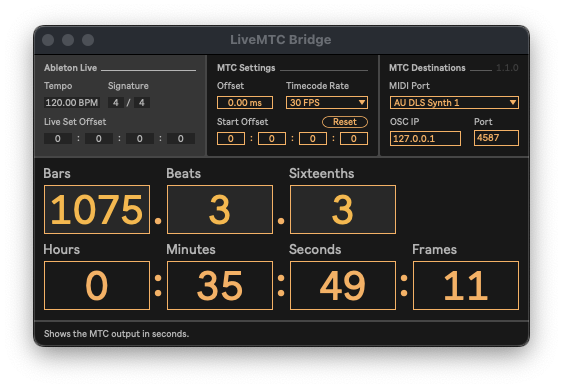
Hi I am opening the same live session on two different Macs and LiveMTC bridge displays different hh:mm:ss:ff when I select the same measure on both computers. Whats going on? Rate is 30FPS.
Thanks!
Hi I am opening the same live session on two different Macs and LiveMTC bridge displays different hh:mm:ss:ff when I select the same measure on both computers. Whats going on? Rate is 30FPS.
Thanks!
Hi there, and welcome to the forum!
That shouldn’t be the case! Are you by any chance using any Tempo automation in your Live Set?
I checked this myself looking at the other posts and no, no tempo automation at all.
Also new issue MTC is no longer connecting to the bridge.
Would you be able to provide the Live Set with which you encounter this issue? Or any additional screenshots or screen recordings that display the issues you’re describing?
Which version of Live are you using? And are you using the bundled version of Max?
Yes! stand by. Also solved the connection issue I didn’t have an interface selected.
I see. In that case, could it be that on one of the machines, you may have accidentally set the Live Set Offset to 1 hours in the MTC device (not the Bridge app)?
oh maybe, is it better to do it in the bridge app?
Neither is “better”, but the difference is that the one in the MTC device is saved with the Live Set (so that the offset remains consistent throughout different sessions), while the one in the Bridge app is reset every time you reopen the Bridge app.