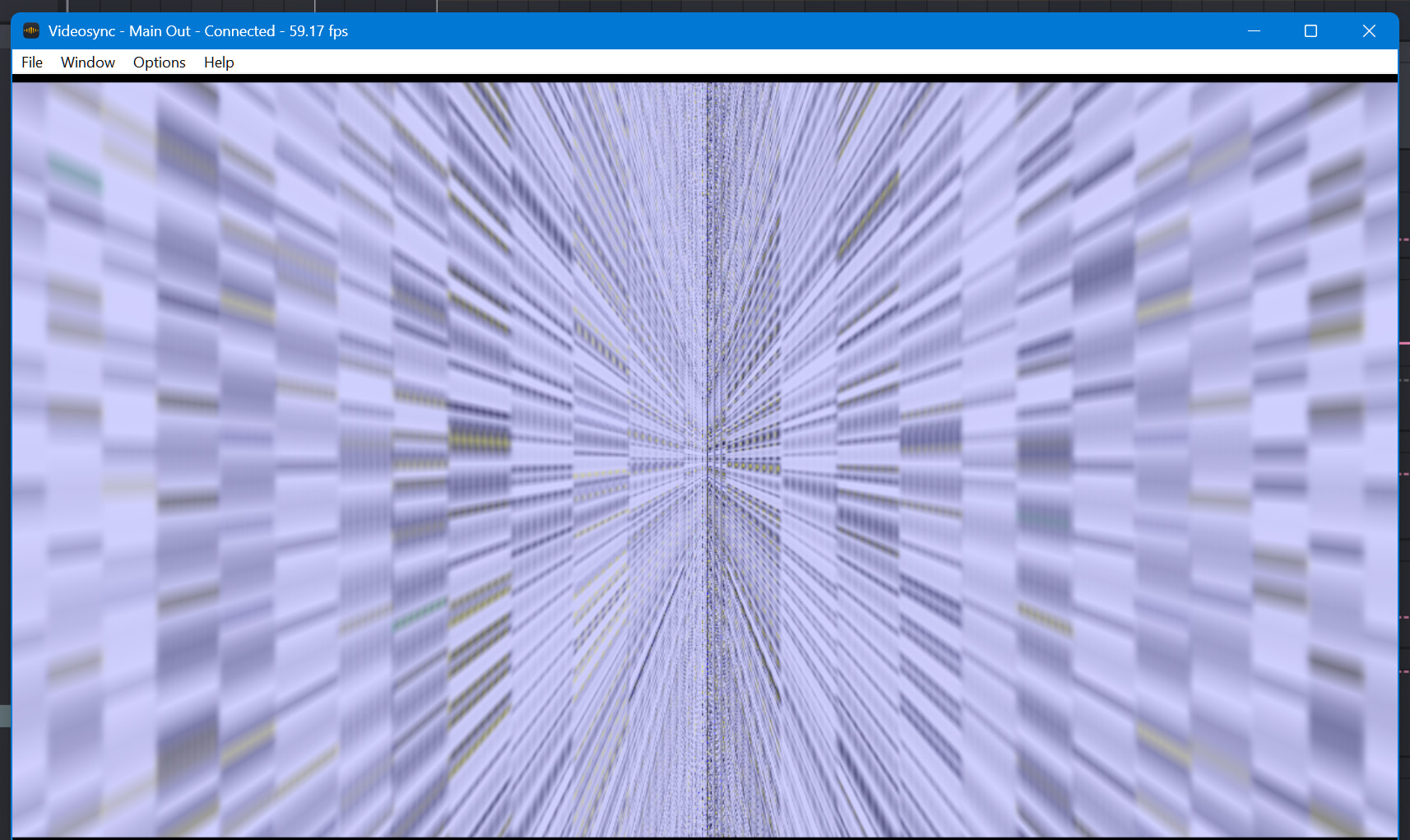
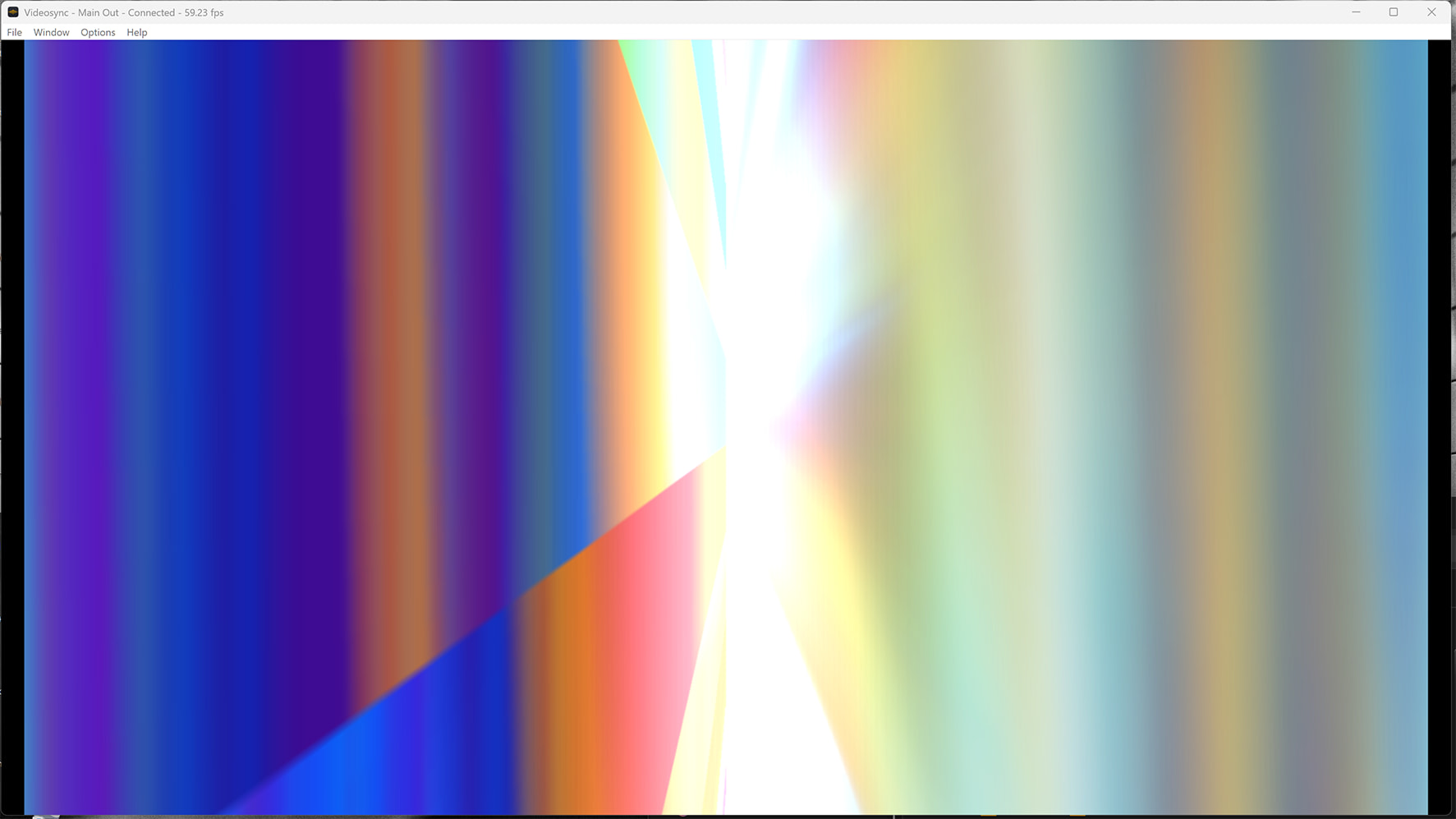
This is a two part effort, a flat slitscan effect and a trapezoid transformation effect.
In the Vertical Trapezoid Transformation:
Start point: 0 = left, 0.5 = middle, 1.0 = right
Right to Left: < 0.5 = transformation from left to right, > 0.5 = transformation from right to left (and coordinates reverse).
Amount: is the amount the image is stretched at the edge.
Because the image is stretched, at the edge a lot of interpolation is going on, thus blurring.
In the Slitscan V1.fs:
slitPosition: 0 is left, 0.5 = middle, 1 = right
scanSpeed: how fast the animation moves.
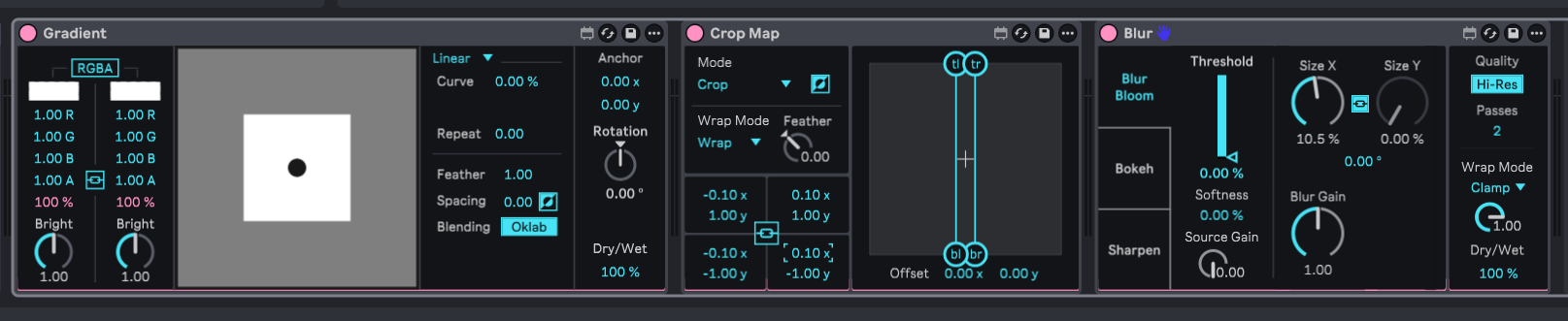
If one wants different animations on each side, use crop tool and group two streams.
Happy 2001.
Vertical Trapizoid Transformation.fs (943 Bytes)
Slitscan V1.fs (1.5 KB)