Whenever I instantiate or execute the ‘beam.’ object, Max crashes immediately. This issue persists in both Max 8 and Max 9. Does anyone know how to fix this?
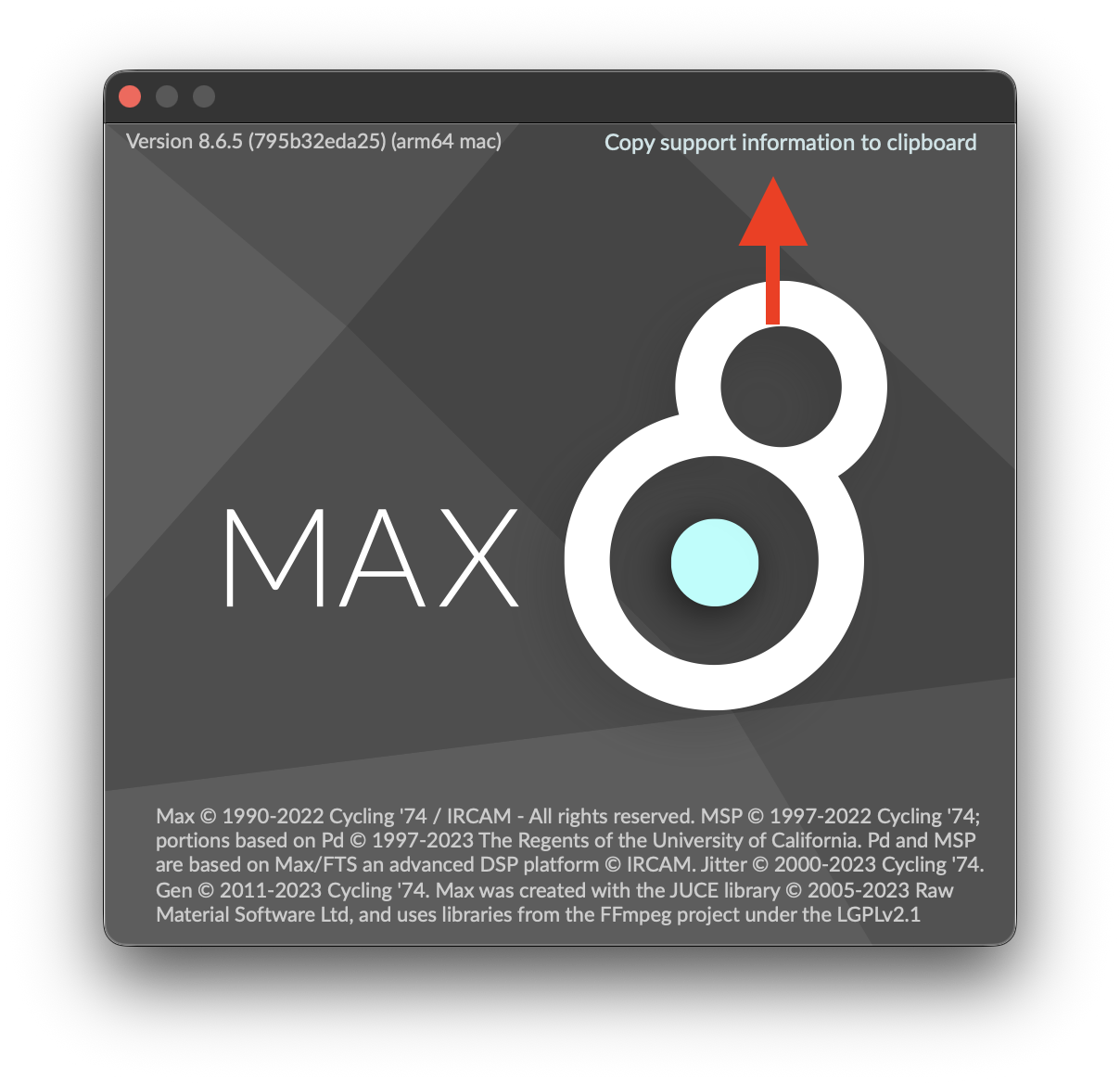
{
“version” : “Version 8.6.5 (795b32eda25) (x64 windows)”,
“platform” : “windows”,
“arch” : “x64”,
“osversion” : “Microsoft Windows 11 (build 26200), 64-bit”,
“samplerate” : 44100,
“iovs” : 512,
“sigvs” : 64,
“scheduler_in_audio_interrupt” : “off”,
“audio_drivername” : “ad_mme”,
“audio_driver_subname” : “”,
“license” : “permanent full”,
“machine_id” : “e3b16c1d0bfcaae1f606e284e388e6a8”,
“eventinterval” : 2,
“schedinterval” : 1.0,
“overdrive” : “off”,
“pollthrottle” : 40,
“queuethrottle” : 100,
“sysqelemthrottle” : 1000,
“refreshrate” : 30.0,
“schedslop” : 25.0,
“eventprobing” : 0,
“mixerparallel” : “off”,
“mixercrossfade” : 0,
“mixerlatency” : 30.0,
“mixerramptime” : 10.0,
“videoengine” : “viddll”,
“gfxengine” : “glcore”,
“packages” : {
“Beam for Max” : “1.0.2”,
“BEAP” : “1.0.4”,
“cv.jit” : “2.0.2”,
“gl3” : “0.3.3”,
“jit.mo” : “1.1.6”,
“Jitter Tools” : “1.0.10”,
“Max for Live” : “1.0.9”,
“max-mxj” : “8.2.0”,
“maxforlive-elements” : “1.0.13”,
“Mira” : “1.2.2”,
“Node for Max” : “2.1.3”,
“RNBO” : “1.2.6”,
“VIDDLL” : “1.2.8”,
“Vizzie” : “2.2.2”
}
}
Here is my computer’s system information
Hi @HeoJeongHo,
Could you please send us an e-mail about this to support@showsync.com?
Please include the .dmp file related to the crash (you can find this in Event Viewer > Windows Logs > Application or X:\Users\yourusername\AppData\Roaming\Cycling '74\Logs) and mention if you have any DMX USB devices plugged in your computer while the crashes occur.
Thanks!