hi, I could have sworn I used to be able to just “press any key” to make a PNG file show up on the screen in video simpler.
PNG file loads no problem
any still image loads no problem (into the previewer)
However - I can’t trigger it and see the image in the video sync window.
I can trigger .mov and .mp4 just fine.
Why do I have a memory on being used to be able to “trigger still images”
Hello! You have a memory of triggering still images because that is indeed a supported feature of Video Simpler! Could you maybe share your Live Set and the PNG image, or screenshots of your Live Set so I could get an idea about why it’s not working as you’d expect?
That’s strange! I can’t reproduce this on my end. Is it possible for you to share the PNG file? You can DM it to me privately if preferred.
This is my way too. Make a 2-5 seconds MOV in DaVinci to use it.
Thanks for chiming in! If you’re running into the same issue, it would be great if you could share one of the PNG files that isn’t working for you — that would really help us figure out what’s going on.
It’s all PNG, JPG, all image files I’ve tried multiple formats and multiple different files, so I don’t understand what sharing a PNG is going to accomplish
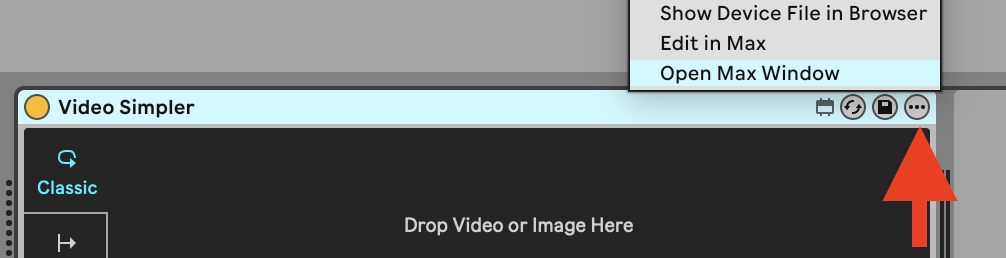
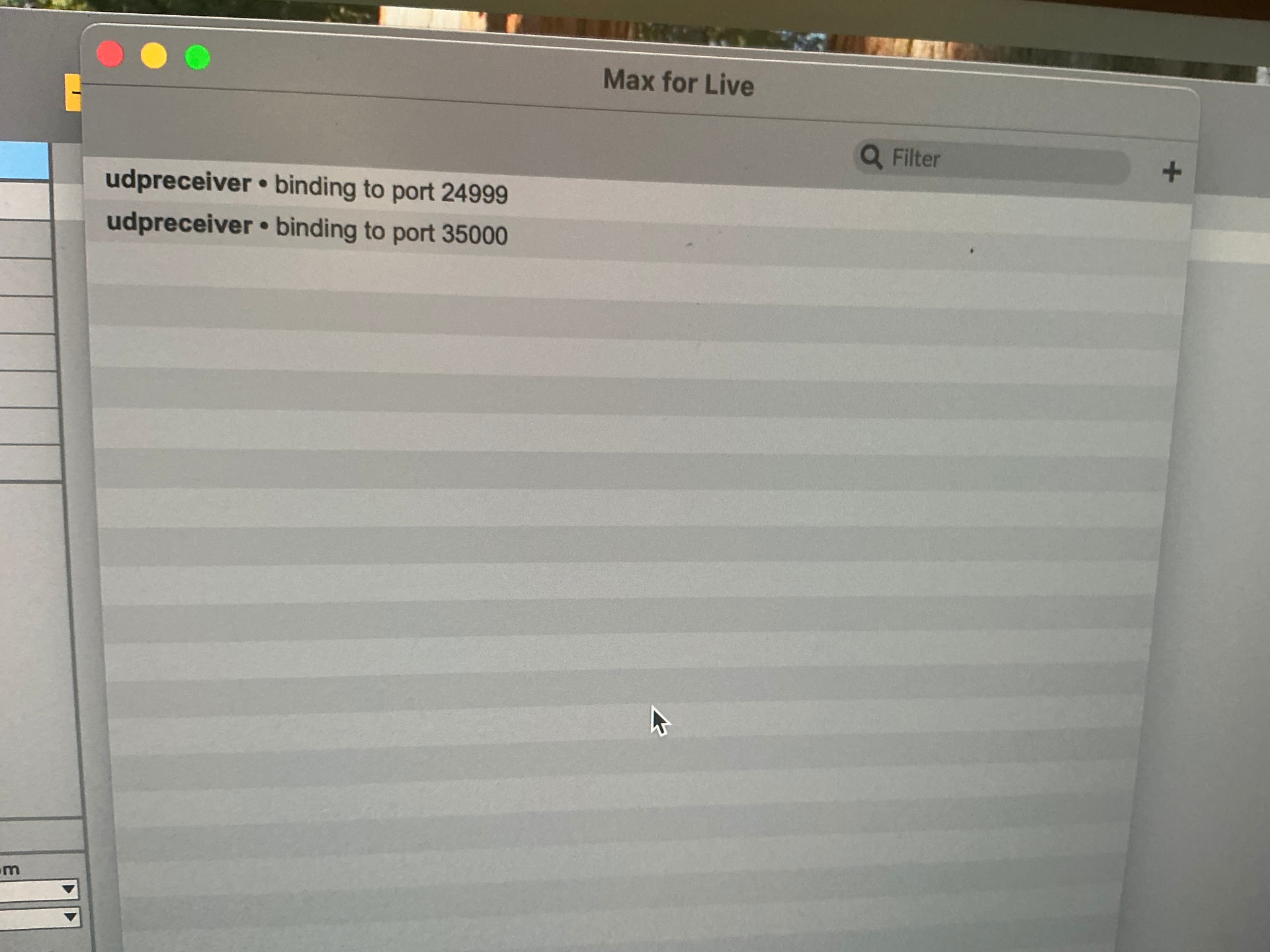
That’s interesting! After dropping any image into Video Simpler, could you please open the device’s context menu and select “Show Max Window” and send a screenshot of what you see?
Can you confirm that you dragged an image into Video Simpler before making this screenshot? Since it only shows a portion of the screen, I can’t verify this myself.
I only tried it one times. It didn´t run well. Since then i´m using the medhod i described. Works good for me.
I just got out of a Zoom call with @Kalpatarutree as I was curious to see if this was a bug or not.
It turned out that the used image was a black logo with a transparent background. When triggering a MIDI note to make the image appear on top of a background (another track), the image would not be visible. The reason why is the black pixels while using the Additive blend mode, which is the default blend mode for all tracks. Setting the blend mode for the image track to Alpha resolved the issue, so there was no bug.
To any future readers, I highly recommend watching this video about how blending with Videosync works, or checking out this page in the user manual.