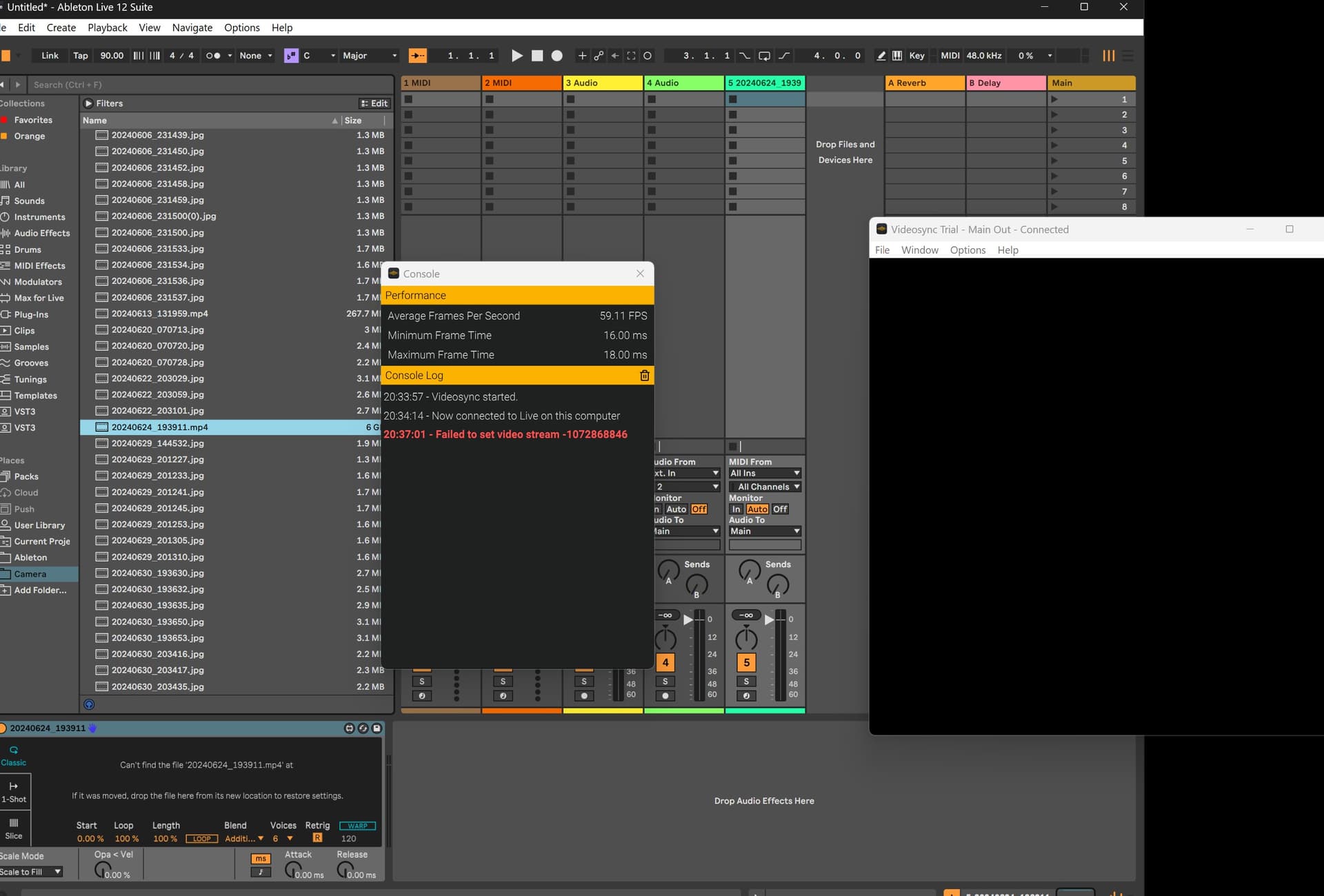
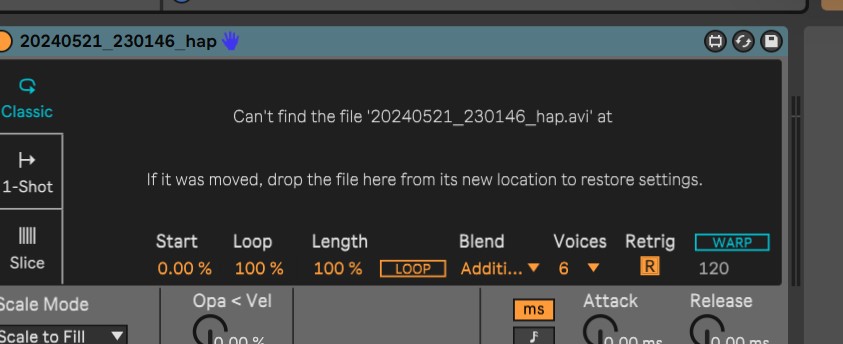
I just tried to reproduce this, and I can when trying to import a HAP video into Simpler. Unfortunately HAP is the only codec Videosync does not support on Windows.
But when inserting the HAP file into the Simpler I get the same message as yesterday: file not found, if it was moved drop the file here from it’s new location to restore settings.
So if I understand it well Simpler/Videosync says that the file cannot be found and has to be restored by dropping it from it’s new location.
So maybe and have to put the files in a directory Simpler/Videosync ‘understand’?
HAP encoded videos are in no way supported by Videosync on Windows. So that information on the codecs page from our Handbook pertains exclusively to the macOS version of Videosync 1 and 2. We still need to update the manual for Videosync 2, so all the information there and in the Handbook is still just about Videosync 1 on macOS.
The error message in the screenshots you’ve shared is what I get as well when I drop a HAP encoded video in Simpler. Any video with another codec should work as expected though.
So apart from HAP, Videosync supports every other codec (like h264) that Live supports. In other words, if Live allows you to drop the video clip in Session View or Arrangement View, Videosync should be able to play it as well (with the only exception being HAP on Windows).
If you use any videos from User Library/Videosync/Video Samples, does the video load and play as expected?
The file extension represents the container for the video, not the codec, so in this case it’s irrelevant. Converting to a codec like H264 is probably what you want to do . You can use something like Handbreak for this.