First off I want to say that being able to get my custom lights configured and functional via the Fixture Editor and trial of Beam means that we will be going forward with buying the license for the fully functional Beam program.
Ok, I finally figured this out and thought it would be good to share for anyone else making their own fixtures with addessable WS2814 RGBW LEDs.
First off, 42 channels was the magic number to populate 1 meter/bar/fixture completely lit up. Douglas Adams would be proud, lol.
42 channels is not divisible by a 4 channel RGBW, but is by 3.
So I tried RGB instead of RGBW and that was the ticket…and where and how to put data in the Fixture Editor.
Under the Mode 1 heading I chose Color and Intensity > RGB as well as “Add as 14 cells named cells”
Because of this kind of RGBW strip (WS2814) and the WLED controller, it had to be configured as WS2814 > BRG color order.
In each Cell 1-14 I had to manually choose RGB “Colorspace Type” and then manually change Red to Blue, Green to Red, Blue to Green.
LED count per fixture as well as correct color display is right on.
Hope this helps someone in the future.
A couple pictures of my custom rig:
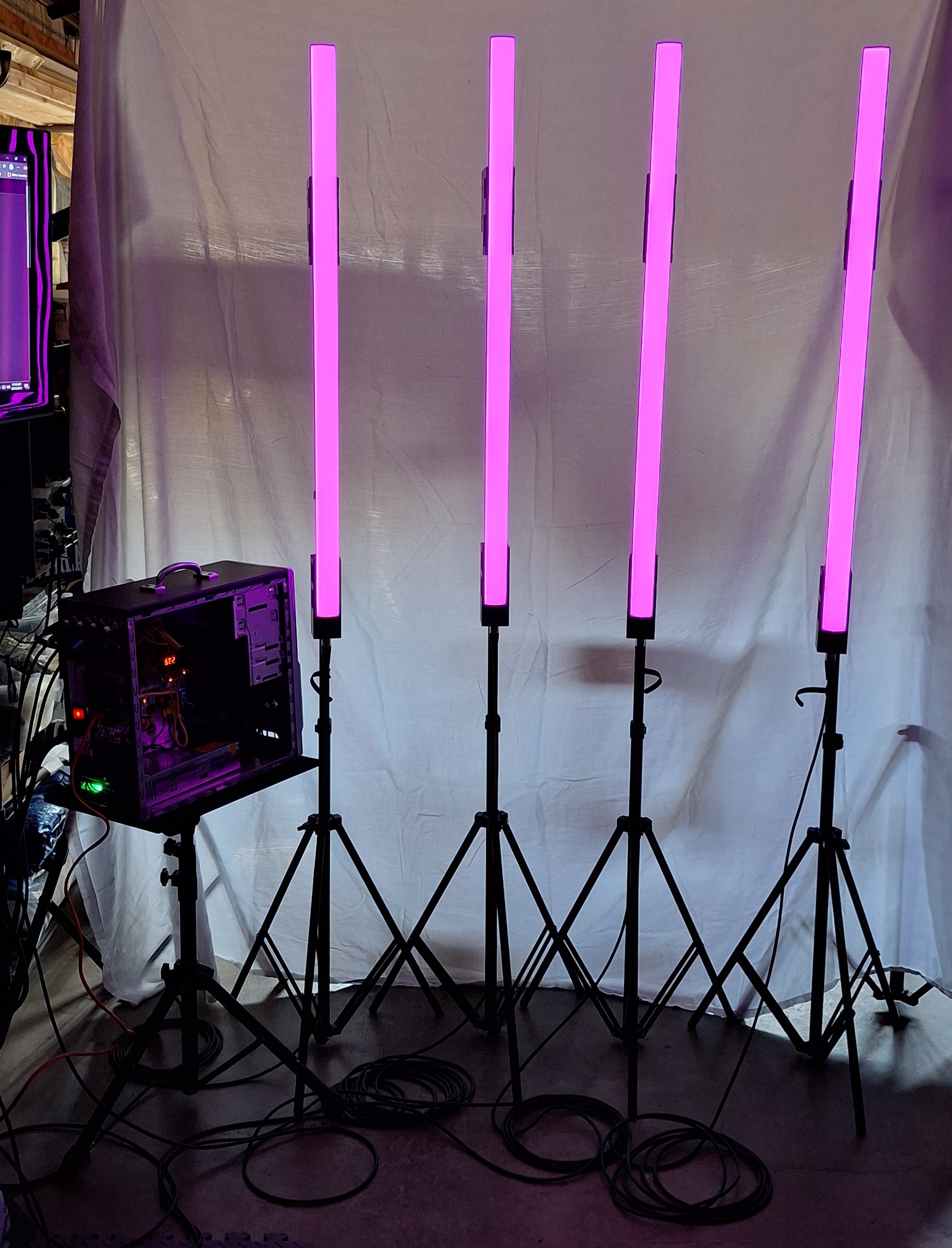
LED strip in aluminum V-channel with diffuser riveted to 3d printed blocks to mount quickly and easily to lightweight tripods…
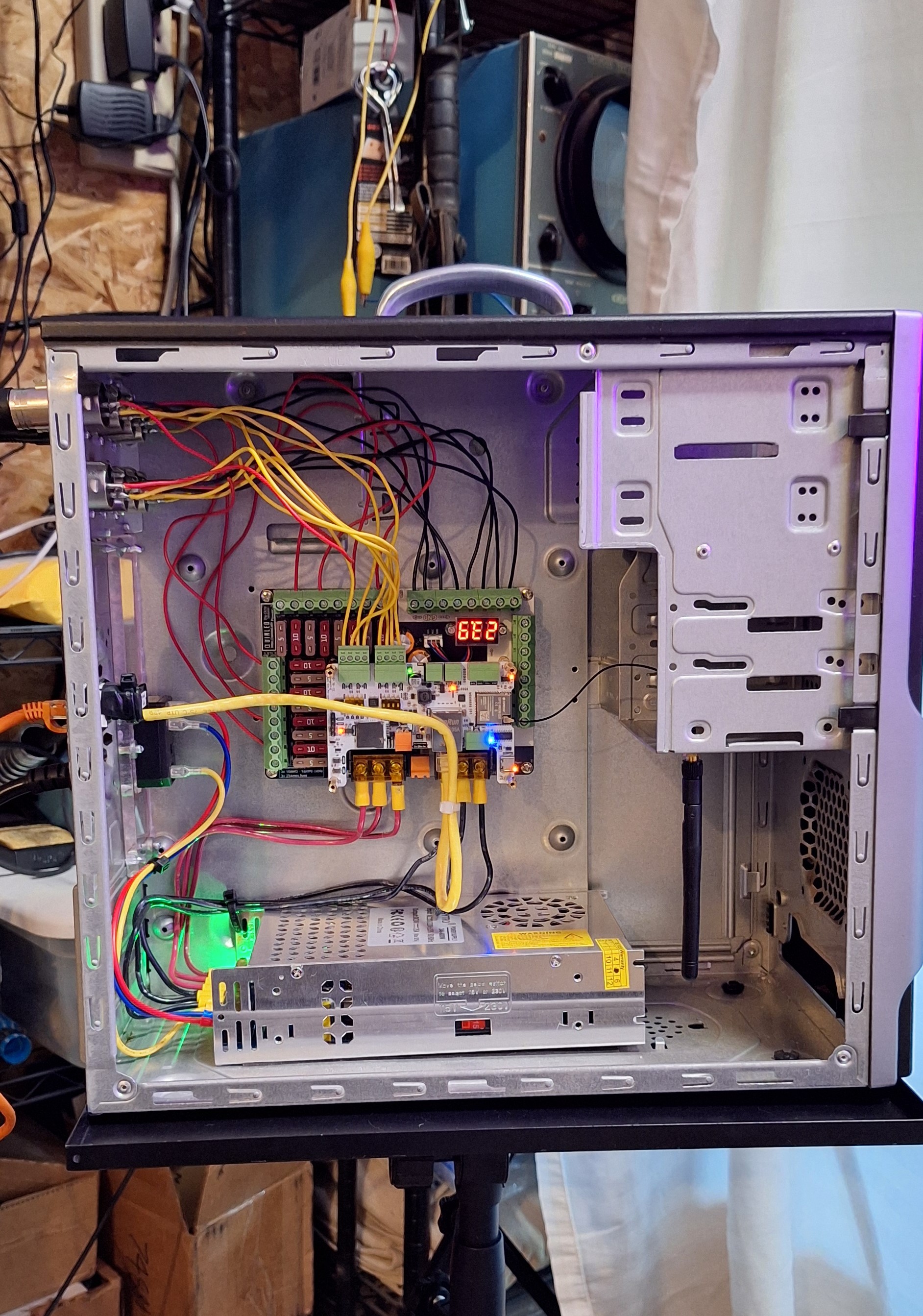
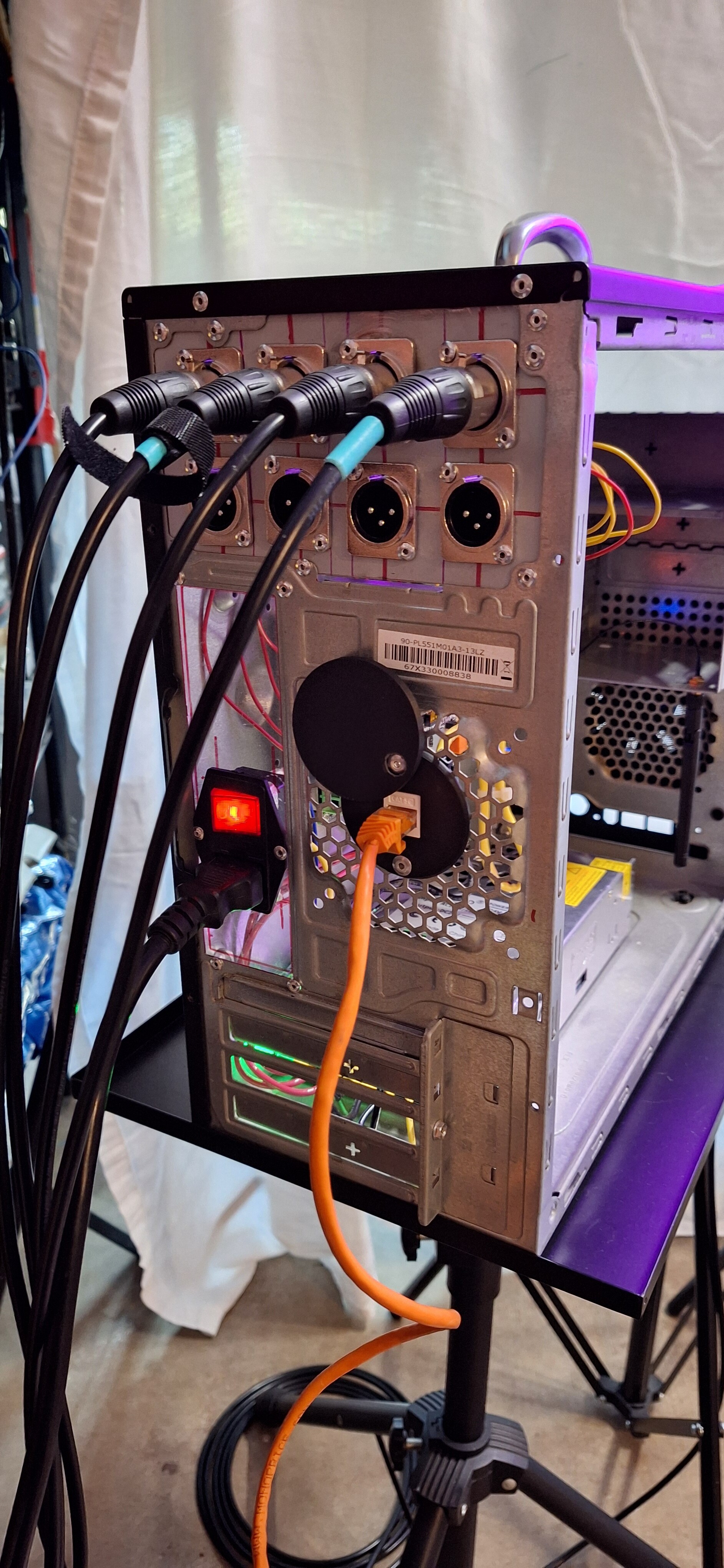
Old pc case housing the power supply, power management board, brain board, 3 conductor wire xlr ports, and ethernet(Artnet) port.
Back panel
Complete rig
I have already beta tested this rig with just WLED on stage twice. It has functioned without issue. One of my bands uses Ableton for backing tracks and video cueing so we are looking forward to using Beam.