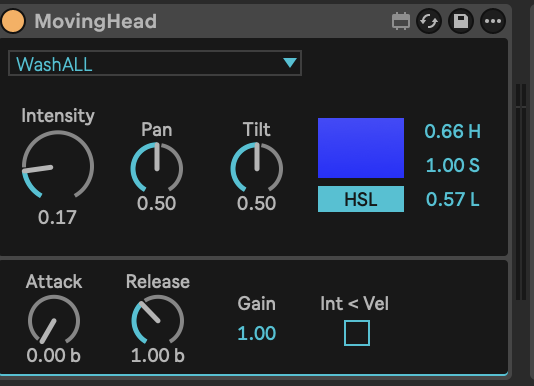
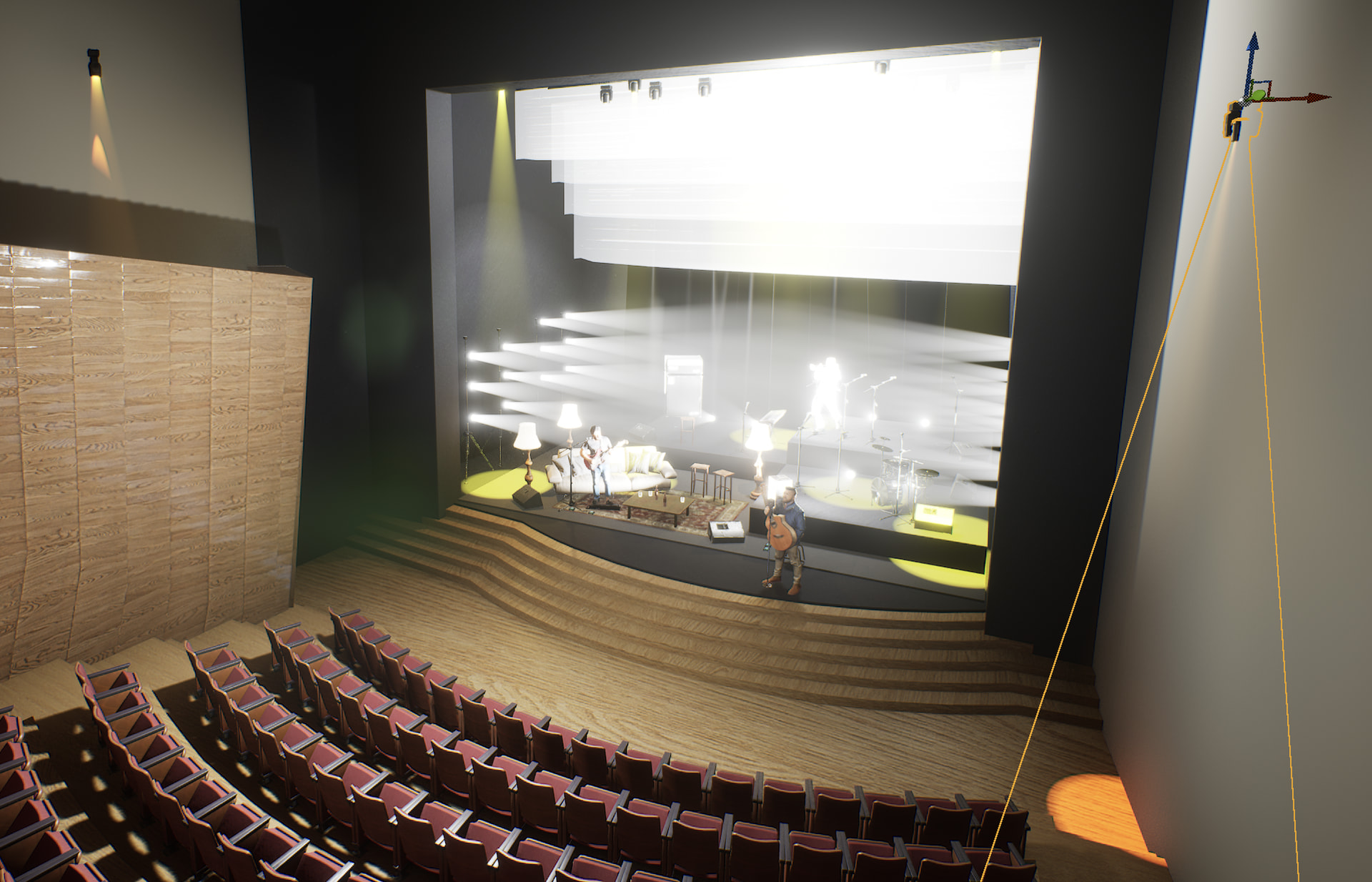
Hi! I’m trying to run these two fixtures from Beam but I’m getting the colors inverted on the MAC 600 and the Xperior is throwing white light and the color picker doesn’t seem to work. Can you help me, please?
Thank you!!!
Martin@MAC_600@2026.sbf (11.0 KB)
ACME@Xperior_15R_Spot_XP-15R_SZ@2026.sbf (5.4 KB)
Hi Pablo, could you please provide user manuals for both fixtures?
Hi Jean Paul! I’m working with Unreal Engine for the modeling of the stages and I’m having some conflict with the colors between Beam’s color picker and the one showing on UE5. I think they are inverted. Do you know anything about it?
I took a look at both profiles. On both, the core color logic (CMY channels, colorspace setup) checks out fine against the manuals, so that’s not where the problem is.
What I did find on both, is a few channels using custom modulation names instead of the established ones we try to stick to (keeps the naming set small and consistent across profiles). Along with that, a couple of those channels also had the wrong mergeMode for how they actually behave. Here’s what changed:
MAC600 (all four modes)
- Shutter/Strobe channel was set up as a continuous strobe rate control, but it’s actually a slot-based channel (closed/open/strobe/random/reset/lamp on-off, selected by DMX range). Renamed and switched to the right behavior for that kind of channel.
- The second Beam Shaper channel had no control wired to it at all, so it was just sitting there doing nothing. I added the modulation for it.
- Pan/Tilt Speed and Effect Speed (DMX3/DMX4 only) were using custom names instead of our standard ones. Renamed both and adjusted how they merge to match.
Martin MAC 600.sbf (11.5 KB)
Xperior 15R
- Same Shutter/Strobe fix as above.
- The Preset Color channel was treated as if it adds to the color mix, but it’s actually a preset selector, so only one value should ever apply at a time. Fixed.
- Pan/Tilt Speed was using a custom name too. Renamed and adjusted to match our convention.
Acme Xperior 15R Spot XP-15R SZ.sbf (5.4 KB)
That said, the color issue is most likely on the Unreal Engine side rather than in the profile itself, since testing in Beam and Capture already showed matching colors on the MAC600. I don’t have experience with UE5 myself, so I won’t be able to help troubleshoot further on that end, but hopefully that narrows down where to look.
Amazing! thank you so much!
I did find the solution for Unreal Engine. Just a matter of inverting the channels on the lamp simulation.
Thanks again!!