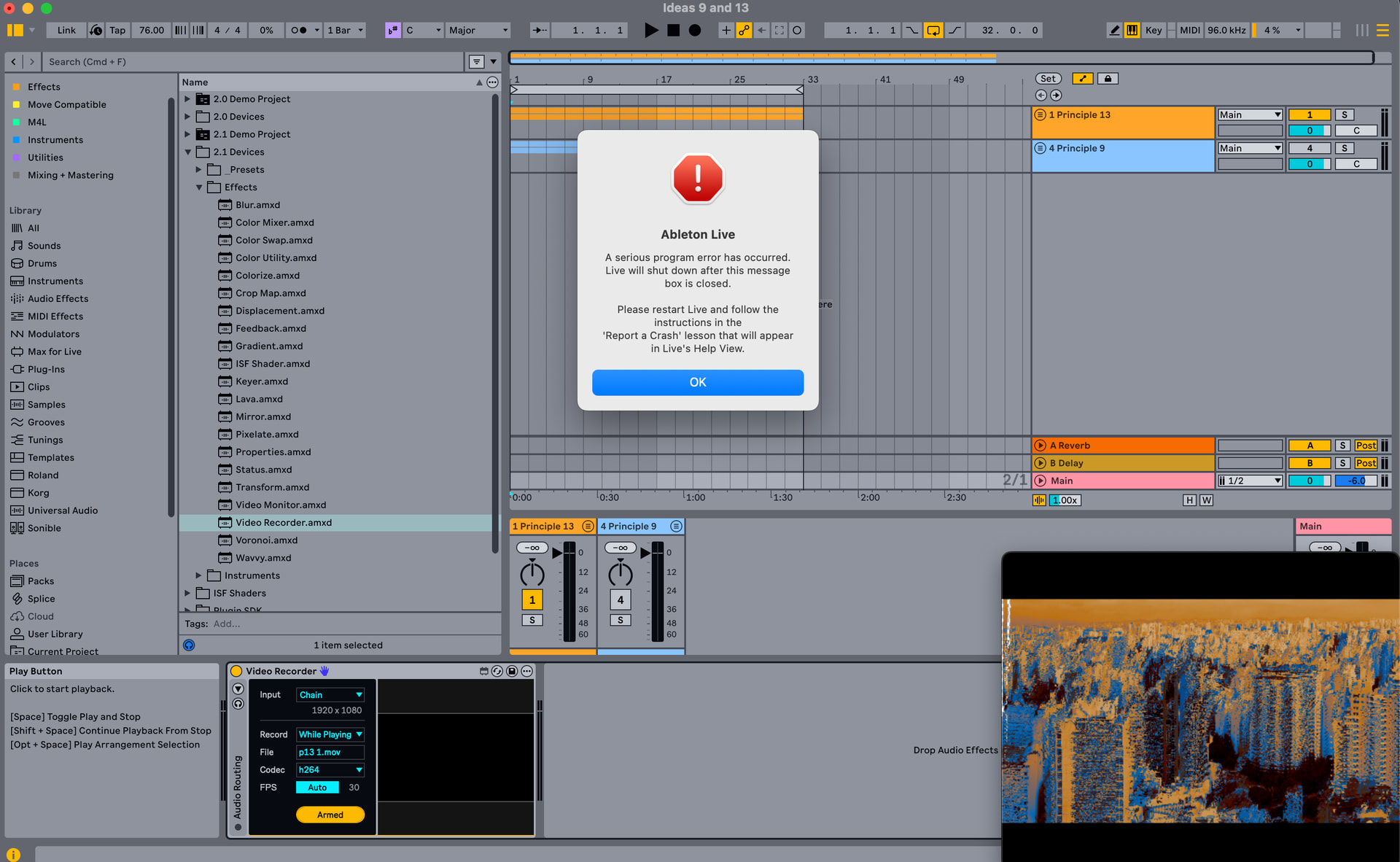
I put Video Recorder on the Main channel, settings: chain, record while playing. I click Arm, but when I click Play, then Live crashes. Any ideas folks, or is this a bug?
Mac OS 15.6.1
Live 12.3.2
Videosync 2.1.5
Hi there! Is the preview inside the Video Recorder device black the whole time? This could be an indicator of something being wrong. Are you using the bundled version of Max?
Hi Jean-Paul, happy new year!
No, the preview window inside Video Recorder works as expected - when I click play and recording isn’t armed, the preview plays the same as the main video sync window - it’s only when I click play after I arm the Video Recorde that I get the crash.
Curiously, the main Videosync window continues to play as expected, even after Live crashes.
Sorry, forgot to say I’ve recently upgraded to Max 9.1.2. I’ve just tested with Live set to use the main Max application and also with the bundled version and I get the same result.
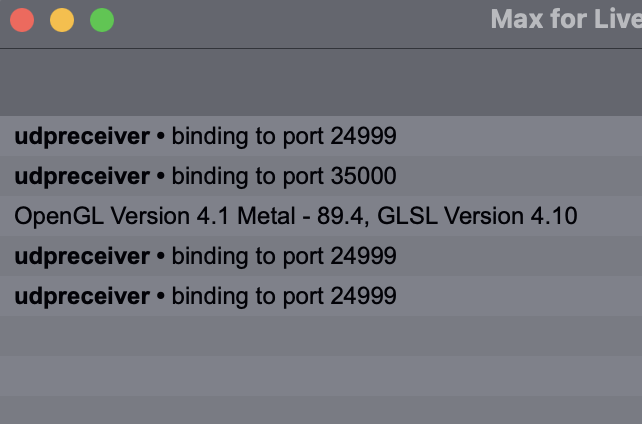
Could you share a screenshot of Max’s Console window? To do this, right click the title bar of Video Recorder and select “Open Max Window”.
Thanks a lot! Nothing to see there!
After taking another look at your initial screenshot however, I suddenly noticed the sample rate in the top right corner of the screen: 96 kHz. This seems to be the culprit. When I set Live’s In/Out Sample Rate to either 88.2 kHz or 96 kHz, Live will crash whenever recording is supposed to start using Video Recorder.
I suspect this is a limitation of the [jit.vcr] object of Max, which handles the actual recording. I will do some further testing in the coming week to see if I can confirm and isolate this. Meanwhile, I recommend using either 44.1 kHz or 48 kHz sample rates to circumvent the issue.
That works, thanks! Changed it to 48 kHz and it works just as expected.