Hiii so basically, I have a new laptop that i’ve downloaded Beam 2 on and want to transfer all my projects and light patches from Beam 1 onto. I’ve redownloaded the Rockville RGB 864 Stage Panel fixture profiles (from a previous thread i posted in this forum in 2023) yet the Patch from my old laptop isn’t able to load, seemingly because of an error loading the Fixture Profile.
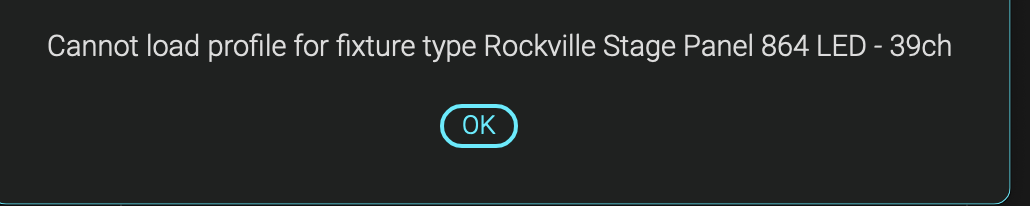
This appears when i load the patch. Additionally, I get this popup from the Console when opening Beam 2 every time:
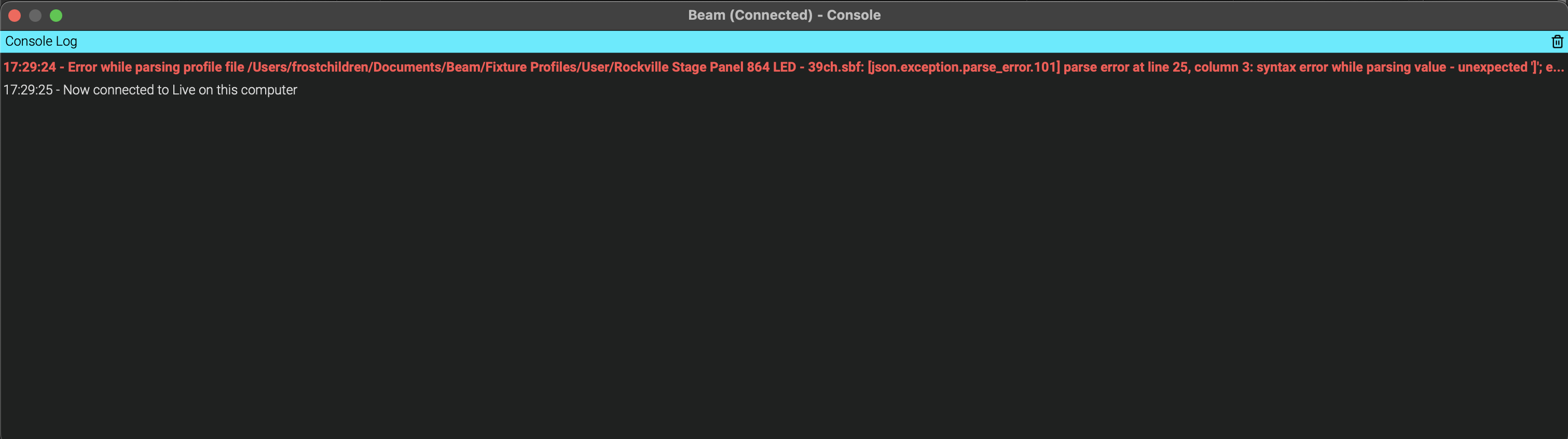
A parsing issue/syntax error (all over my head lol). Let me know if there’s a work around here, i’m really trying to avoid re-making everything (Fixtures, midi, Ableton instruments) from scratch. Thanks!!