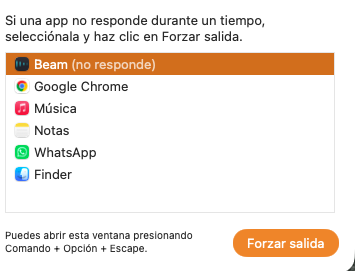
i dont have the solution for that, really a can used.
i have a MacBook Pro Max M4
Hi @OP2100,
If the Beam application does not start or appears frozen at startup, this may be caused by cloud services (such as iCloud) interfering with files stored in the Documents folder.
Beam installs its fixture profiles in the Documents/Beam/Fixture Profiles folder. If e.g. iCloud Drive uploads these files to the cloud and replaces them with placeholders, Beam may not be able to access them right away. This can result in slow startup times or the application not launching properly.
This article explains how to check and disable that:
Please let us know if adjusting this resolves the issue.