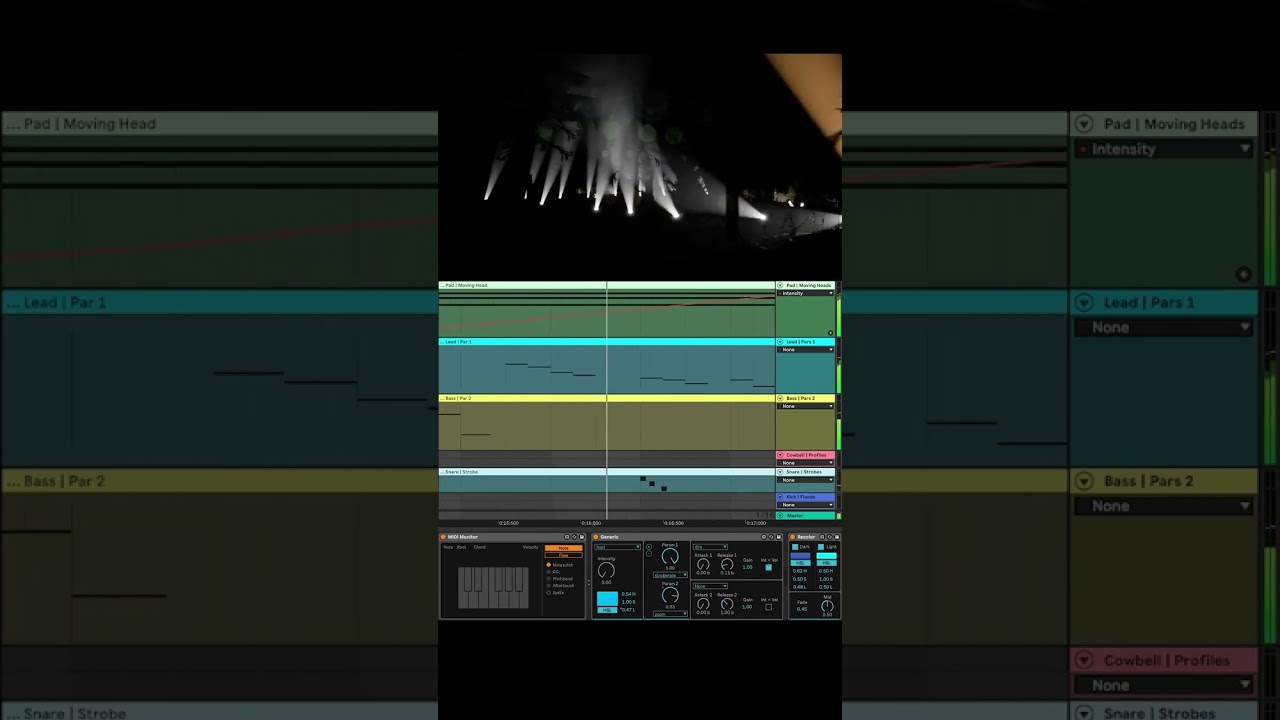
Thanks for getting in touch! Just to clarify - there is indeed no built-in visualizer that would allow you to create custom lighting rigs. As mentioned on https://beam.showsync.com/, Beam for Live is bundled with 2 virtual stages:
The Demo Project offers a virtual stage with a pre-made composition, while the Playground provides a flexible setup with common lighting fixtures. Both are accessible from the Beam menu.
These are both Capture Presentations, executables built using Capture, and allow you to control the already pre-patched fixtures, as a way to get to know Beam, but are not directly part of the software.
Connecting to Unreal Engine 5
I read on another post about the possibility of connecting it to UE5.
Yes, you can control lighting fixtures in Unreal Engine with Beam via the Art-Net protocol. We’ve done that in this video:
Here’s the complete workflow:
Set up the DMX Plugin and patch some fixtures in UE: To learn how to do that, go through the DMX articles on UE’s website. There are also several helpful videos on YouTube, such as this setup tutorial. Configure your virtual fixtures to receive DMX via Art-Net.
Create Beam fixture profiles: Use the Beam Fixture Editor to make profiles for your virtual UE fixtures.
Configure Beam: Add the fixture profiles to your Beam Fixture Patch using the same addresses as in UE, then add an Art-Net Output universe to the Inputs/Outputs list using 127.0.0.1 as the Output Address (if running both applications on the same machine).
Important: Start UE5 before starting Beam to ensure UE can receive Art-Net properly.
For another lighting visualization option, you might also want to check out the free Capture Student Edition.
Let me know if you have any specific questions about any of these steps!
Thank you so much for answering. I actually got it to work with UE just a few days ago and it is great. In my case, I needed also a tool to model some scenography and convey the entire ambiance of the concept, so UE was already in use.
I’d like to mention a couple of details that might help others if they want to connect it to UE:
The first was to change the number in the Protocol Universe Remap from 1 to 0 on the DMX tab inside Project Settings (for reference, I found this on this video : https://youtu.be/g9ZGTeY9pDQ?si=FC4aGKPASlcAQNuN&t=308).
And the second one is to add a ColorComponent aside from the ColorWheelComponent to the fixtures that come with the DMX package in UE.
Other than that, Beam just works amazing and I’m having a blast!