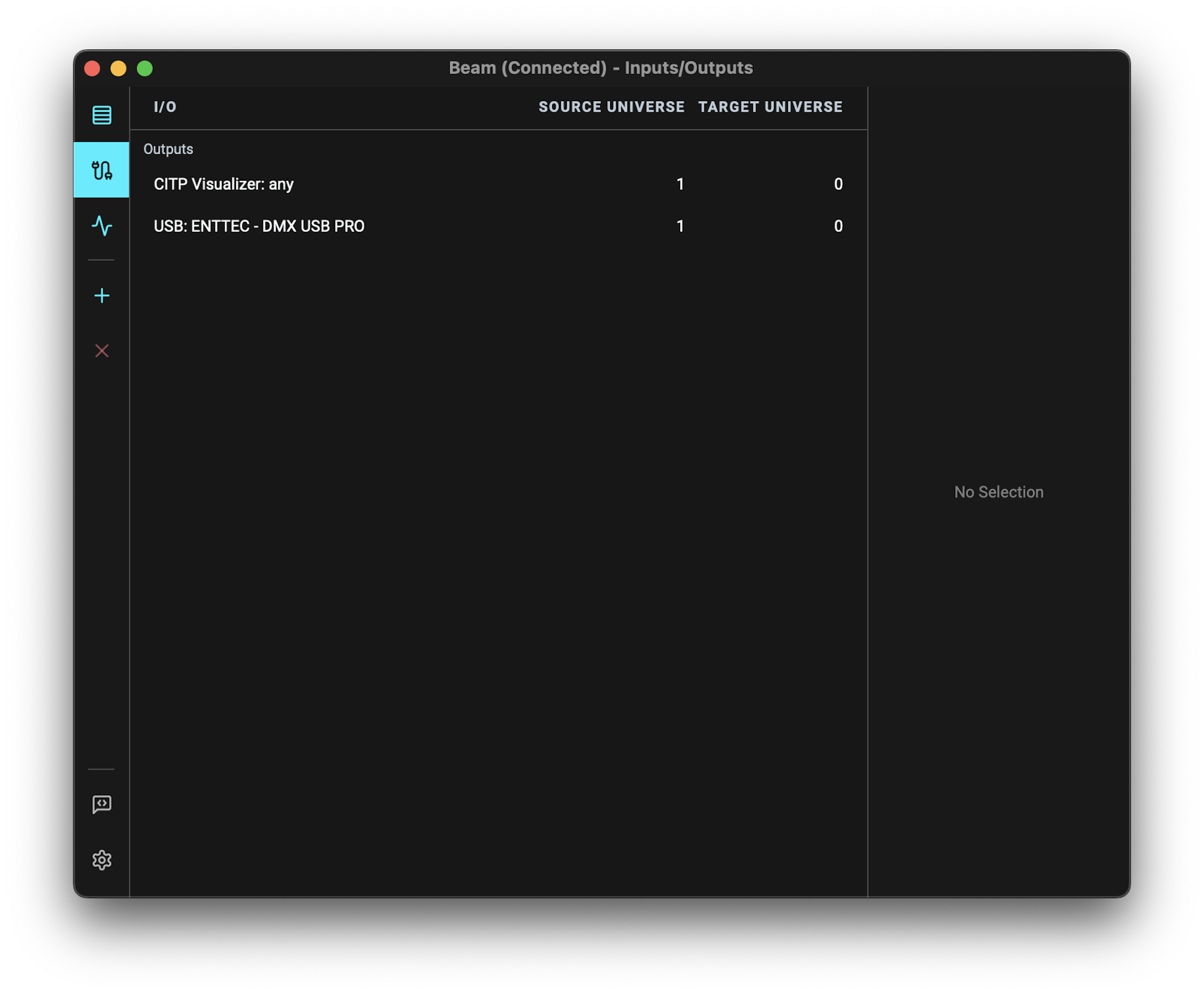
I have been using Beam 2 successfully with Ableton Live and the Enttec USB Pro on a Mac laptop. I’m trying to make this setup work on my Windows machine and it just won’t work. I believe I’ve installed all the required drivers. The device shows up as a Com4 port on Windows. But in Beam’s I/O page I’m not even seeing the Enttec device, instead I’m seeing something called CITP Visualizer:any.
But in Beam’s I/O page I’m not even seeing the Enttec device, instead I’m seeing something called CITP Visualizer:any.
Selecting an output device in Beam for Live 2 works a bit differently than in 1.x, as it is now possible to have multiple input and output universes from and to different source and target devices.
The CITP Visualizer: any is used to output a DMX universe to Capture visualizer.
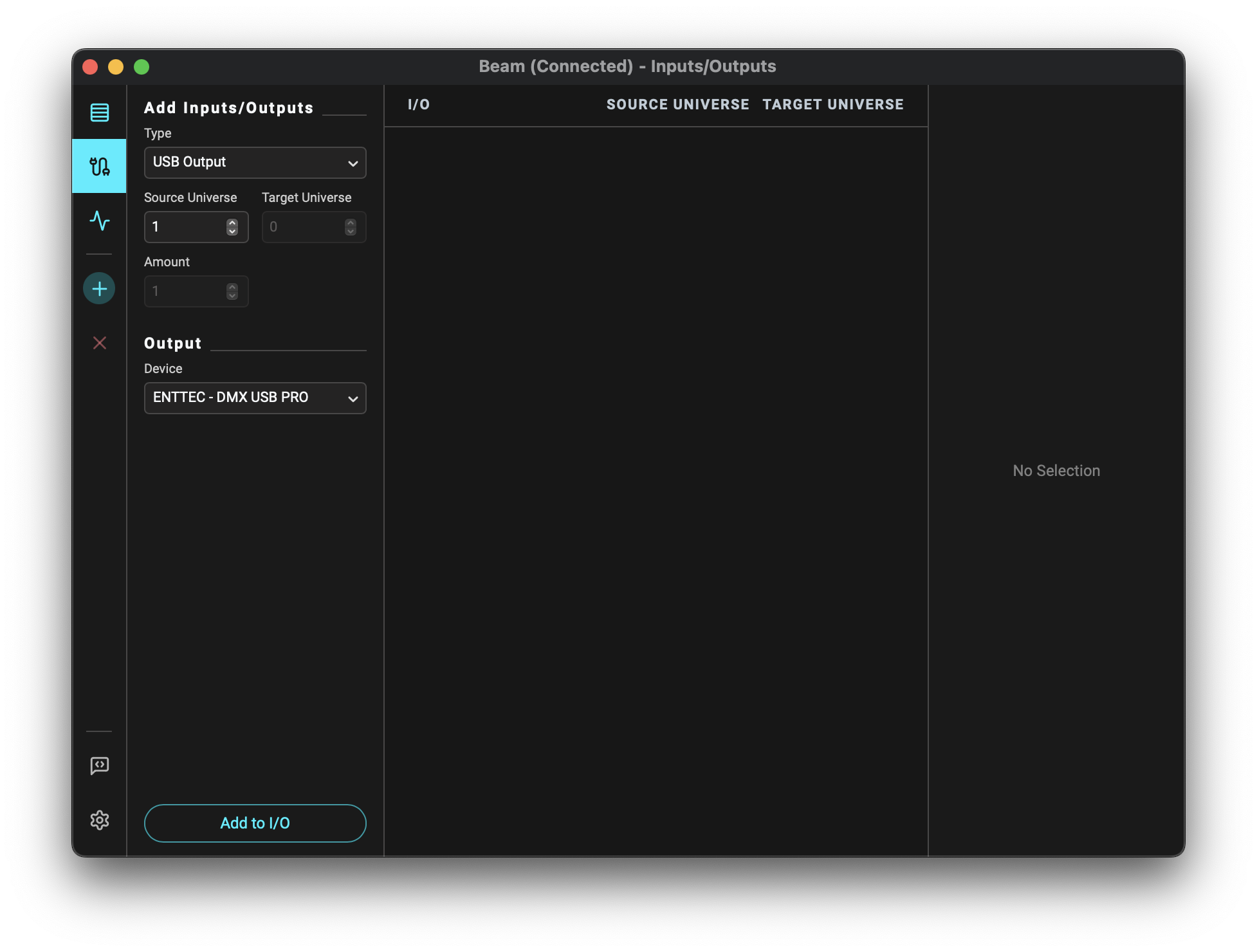
If you want to output DMX using an Enttec DMX USB PRO, you need to first add it to the Inputs/Outputs:
Have you already tried this, or does the device also not appear in the Add Inputs/Outputs > Type: USB Output > Output - Device dropdown (image 1) as an option to add?