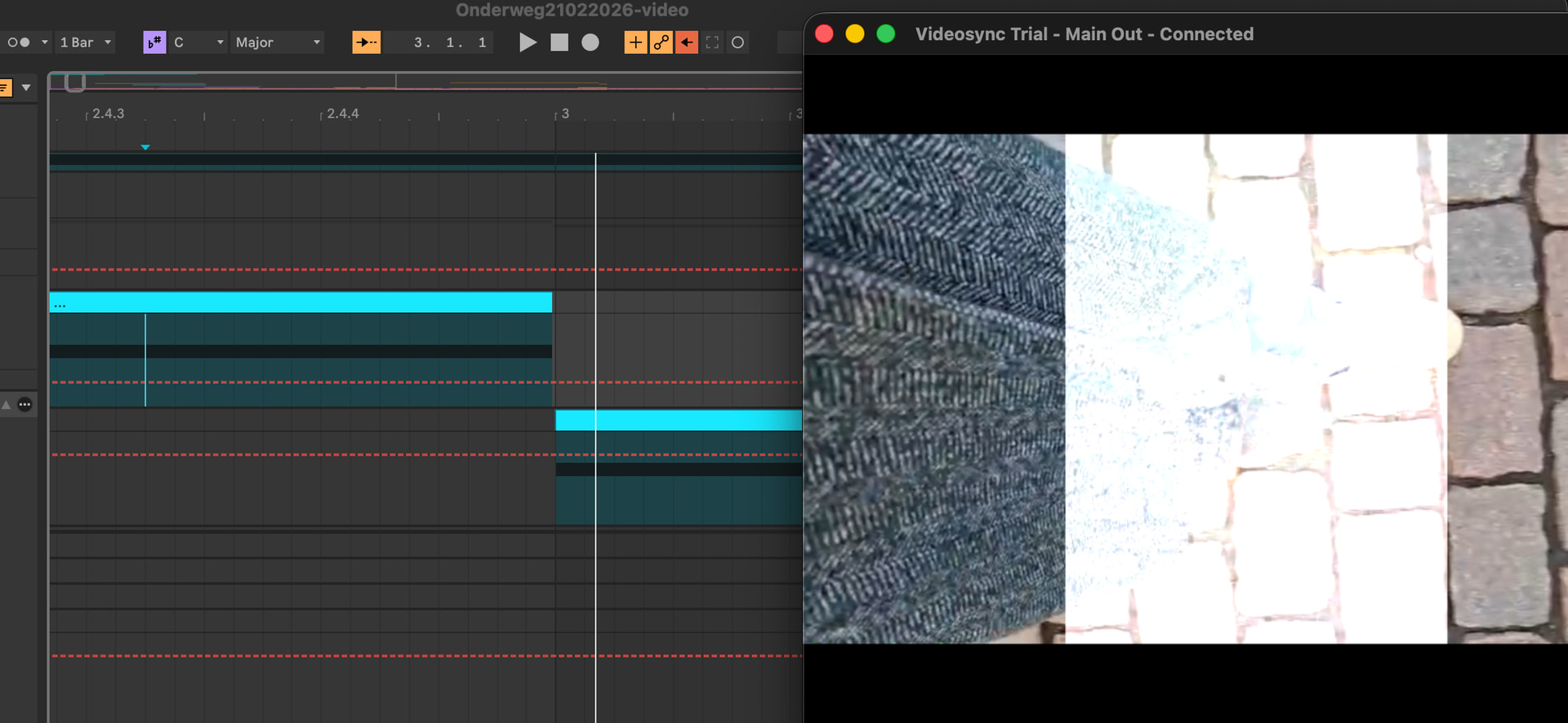
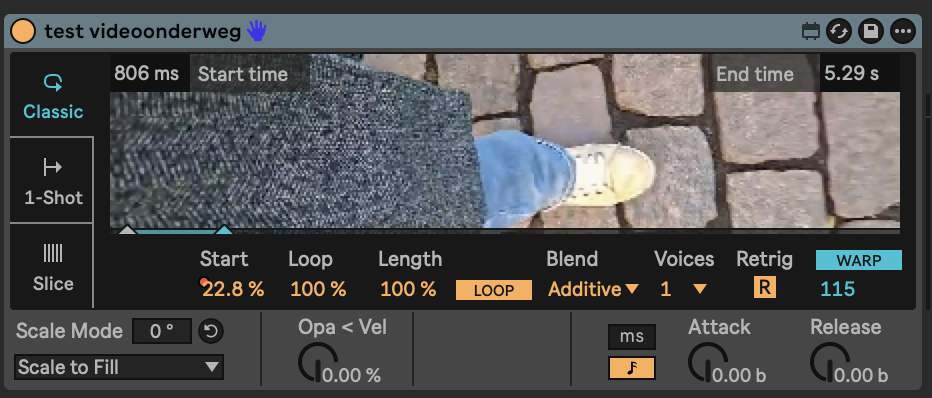
Found a bug or perhaps I’m doing something wrong, hope someone can help :)!
I have two tracks, with both a video simpler on it. I’m triggering the video tracks/simplers one after the other with midi blocks, but when one stops, there is still a millisecond/1 frame of the other video going on. The release of the instrument is completely down but still it stays the same. See the pictures I’ve taken of the example. Doesn’t matter if I put it on ms, also tried the different blend mode.
Hey Robin, would it be possible for your to share this part of your Live Set with me so I can take a look? The screenshot alone does not really give enough context to figure out what may be the reason for this.
Thanks for sending over the project file. I will need some more time to find out whether this is a bug or not.
In your original post you mention you have tried “the different blend mode”. In case you mean Video Simpler’s internal Blend parameter: this only applies to how the voices of Video Simpler are handled internally. Triggering multiple voices of the same instance will either blend them additively, or the most recent voice will be drawn on top of the previous ones when set to Alpha.
As a workaround for the issue you’re describing, I suggest adding a Properties device to the “Walk 2” track (the lower one in your screenshot), and setting the track’s Blend Mode to Alpha. After doing this, the “Walk 2” video will always be drawn on top of the “Walk 1” video, so should not see any additive blending between the two tracks.
Ok great, thanks. I send you only the file with the tracks but actually the file has 20 tracks hehe so that will be a lot of properties devices, putting on/off but for now I will try that.
If you need more info from my side, please let me know!