# Videosync lagging Video
**URL:** https://forum.showsync.com/t/videosync-lagging-video/1780
**Category:** Videosync
**Tags:** RESOLVED
**Created:** [July 13, 2024, 10:07am UTC](https://forum.showsync.com/t/videosync-lagging-video/1780 "2024-07-13T10:07:53Z")
**Posts on this page:** 8
**Page:** 1
### Author:  [@joachim](https://forum.showsync.com/u/joachim)
#### Post date: [July 13, 2024, 10:07am UTC](https://forum.showsync.com/t/videosync-lagging-video/1780/1 "2024-07-13T10:07:53Z")
Hallo.
I am the Drummer & PlayBack Tech for a Band. We use the following setup:
Ableton for
> PlayBack-Tracks (Audio, wav)
> lightshow through LightKeys (MIDI)
> teleprompter for lyrics for the vocalist (VideoSyny) karaoke style
> the setlist is organised through Ableset (virtual LIVE-Controller)
We have a recurring problem: the lyrics/teleprompter (mov-files / all warped) lag in behind or don’t move along (the actual text to be sung is highlighted in red). sometimes nothing gets highlighted but flips to the next page. We can not figure out a pattern because sometimes everything is fine for 10 songs and then the karaoke videos stop working.
Currently we run a trail version of Videosync, Ableton 12, newest VideoSync version, MacBook M2
Any ideas, what could be going on?
Thanx, Jo
---
### Author:  [@Jean-Paul](https://forum.showsync.com/u/Jean-Paul)
#### Post date: [July 13, 2024, 11:52am UTC](https://forum.showsync.com/t/videosync-lagging-video/1780/2 "2024-07-13T11:52:34Z")
Hi Joachim, welcome to the forum!
Can you confirm that you are using [our Videosync software](https://videosync.showsync.com/), and not [Video Sync 6](https://non-lethal-applications.com/video-sync-6)?
---
### Author:  [@joachim](https://forum.showsync.com/u/joachim)
#### Post date: [July 13, 2024, 2:59pm UTC](https://forum.showsync.com/t/videosync-lagging-video/1780/3 "2024-07-13T14:59:06Z")
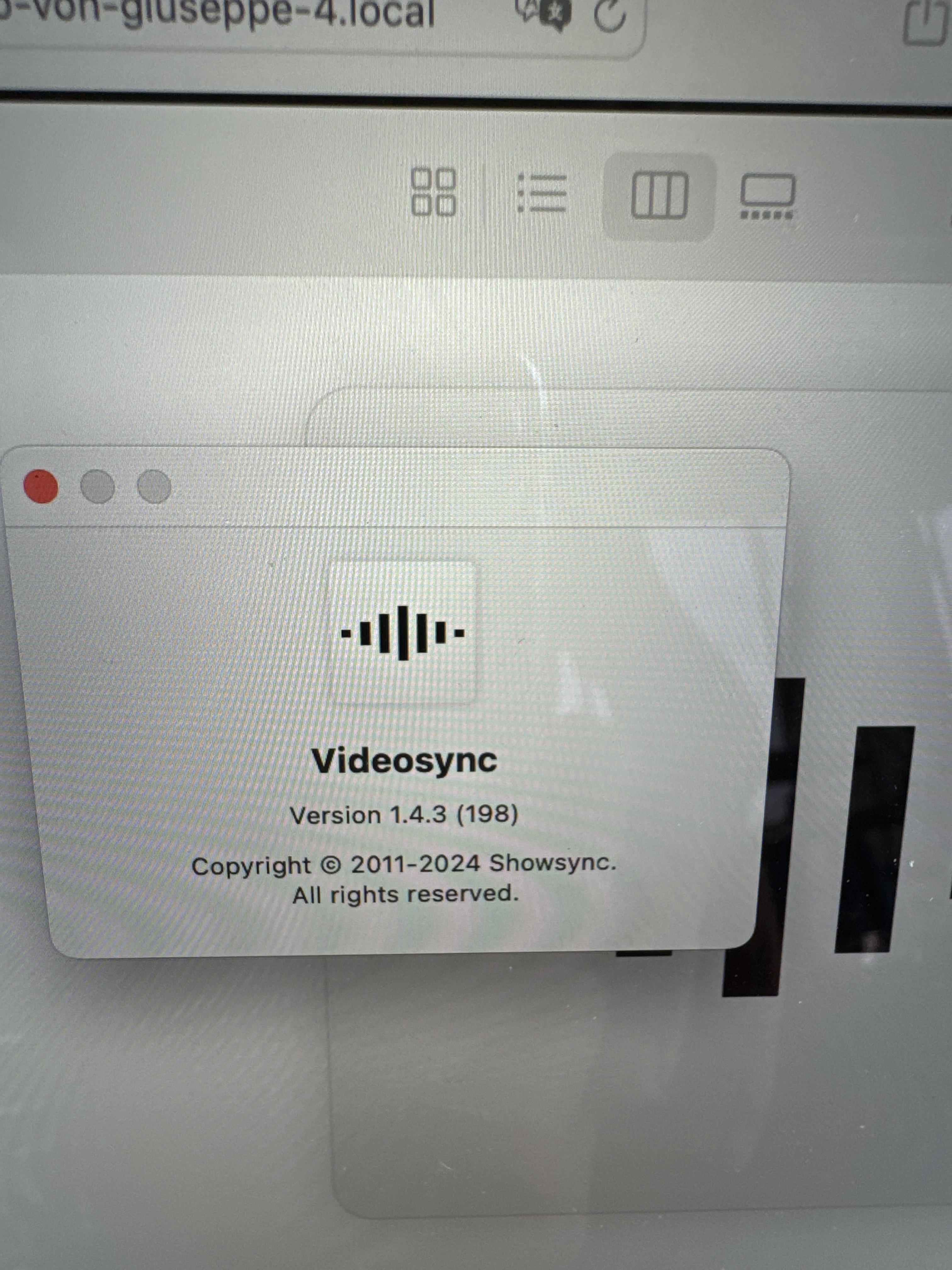
---
### Author:  [@Jean-Paul](https://forum.showsync.com/u/Jean-Paul)
#### Post date: [July 13, 2024, 10:59pm UTC](https://forum.showsync.com/t/videosync-lagging-video/1780/4 "2024-07-13T22:59:49Z")
Great! Let’s see what may be the cause of this. Some questions:
- Are you using Session View, Arrangement View or Simpler to play back the lyrics videos?
- If you’re using Arrangement View, are you using any master tempo automation?
- If you are using master tempo automation, can you confirm every single video clip has Warp enabled?
- Do any of those individual video clips contain a number of Warp markers with significant tempo changes?
---
### Author:  [@joachim](https://forum.showsync.com/u/joachim)
#### Post date: [July 14, 2024, 10:13am UTC](https://forum.showsync.com/t/videosync-lagging-video/1780/5 "2024-07-14T10:13:38Z")
Hi
we are using the Arrangement View with a master Tempo Track (“master and slave” system)
we already discovered that all the videos have to be warped, so all the videos are warped and the songs do not have significant tempo changes, except a couple of endings where I programmed some ritardandos.
what is interesting that it works and then without any exterior changes the videos behave funny. then 10 songs later everything is fine again.
included is a screenshot of our controll surfaces.
Thanx so far for your help.
Jo
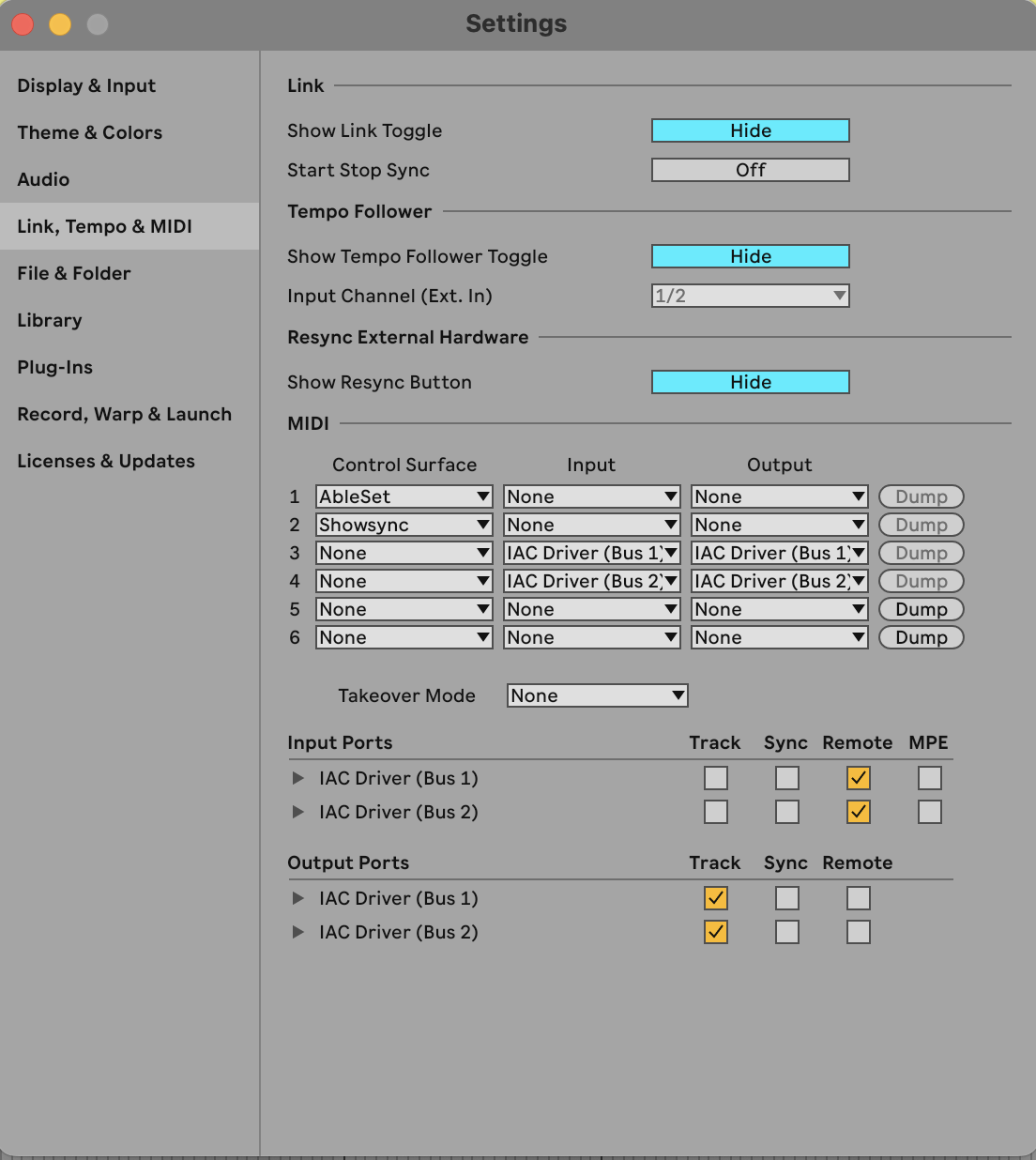
---
### Author:  [@Jean-Paul](https://forum.showsync.com/u/Jean-Paul)
#### Post date: [July 14, 2024, 12:24pm UTC](https://forum.showsync.com/t/videosync-lagging-video/1780/6 "2024-07-14T12:24:03Z")
Thanks for the info! That’s very strange! Would it be possible for you to share the entire Live Set, including the video files with us to try and debug this? If yes, feel free to send a link to the project in a DM, or to [firstcontact@showsync.com](mailto:firstcontact@showsync.com).
If you’d prefer to schedule a Zoom call instead, let me know when would be a convenient time/day for you, and what time zone you are in.
---
### Author:  [@Jean-Paul](https://forum.showsync.com/u/Jean-Paul)
#### Post date: [July 16, 2024, 11:26am UTC](https://forum.showsync.com/t/videosync-lagging-video/1780/7 "2024-07-16T11:26:55Z")
For any future readers, after diving into the Live Set, it turned out there were still some video clips with Warp disabled in Arrangement View. @joachim please let us know if any playback issues arise after using the fixed up Live Set I sent you 🙂
---
### Author:  [@joachim](https://forum.showsync.com/u/joachim)
#### Post date: [July 16, 2024, 11:44am UTC](https://forum.showsync.com/t/videosync-lagging-video/1780/8 "2024-07-16T11:44:35Z")
Thanx for the help so far. This coming weekend we are playing 3 gigs. I will let you know if the problem still persists.
At home I can not reproduce this mistake - during gigs/ shows it is a little hard to stop Ableton and search for a solution 😉
Jo